


The term “Resources for sale” refers to resources (Apartments) that can be purchased or rented monthly, well beyond the duration of a normal holiday.
How to access the resources for sale menu and create a new one:
Make sure your subscription belongs to the “Agency” category
Make sure that your subscription or account has “Enable product placement” enabled in the “for sale” tab (Settings -> Merchant details -> settings -> for sale)
Resources -> Resources For Sale -> + New
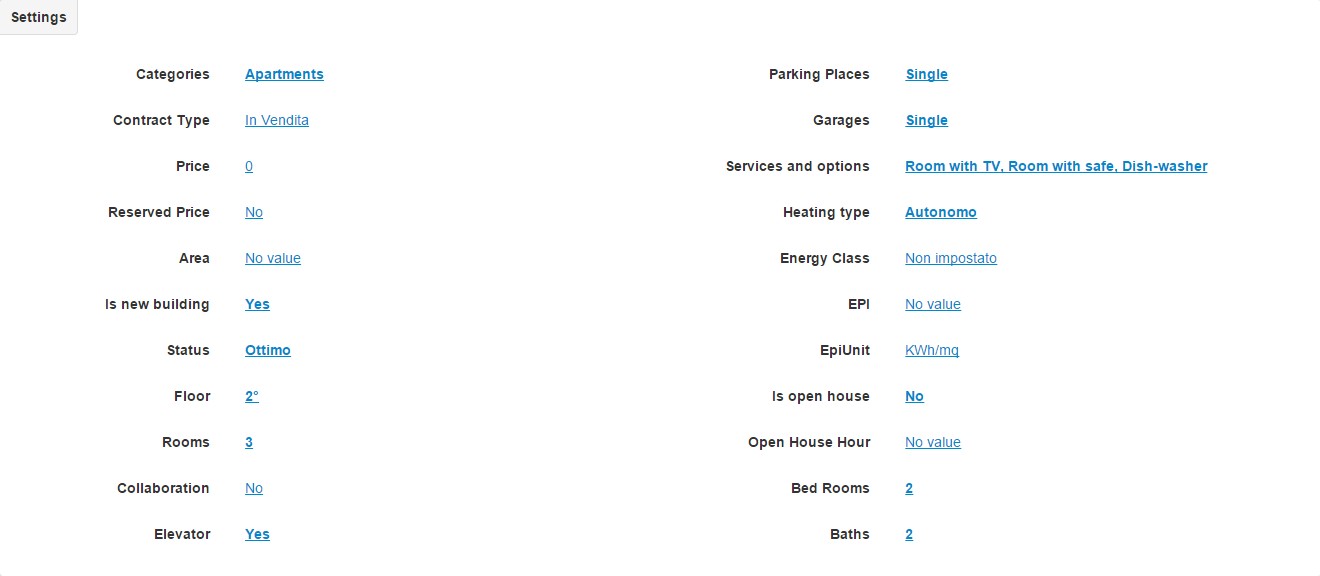
The customization page for a new asset for sale will be as follows:
Select the type of contract for the resource, whether Sale or Rent
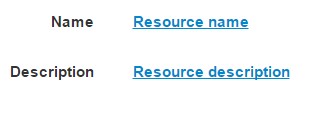
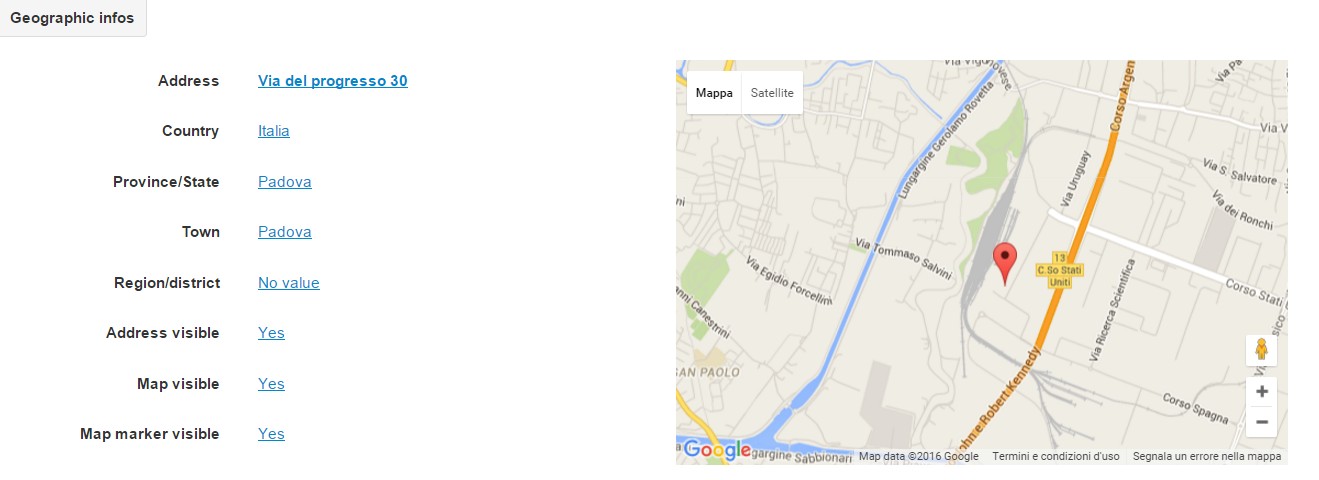
Complete the textual and geographical fields relating to the resource you are inserting


Privacy Policy generated with
Privacy Policy generated with