


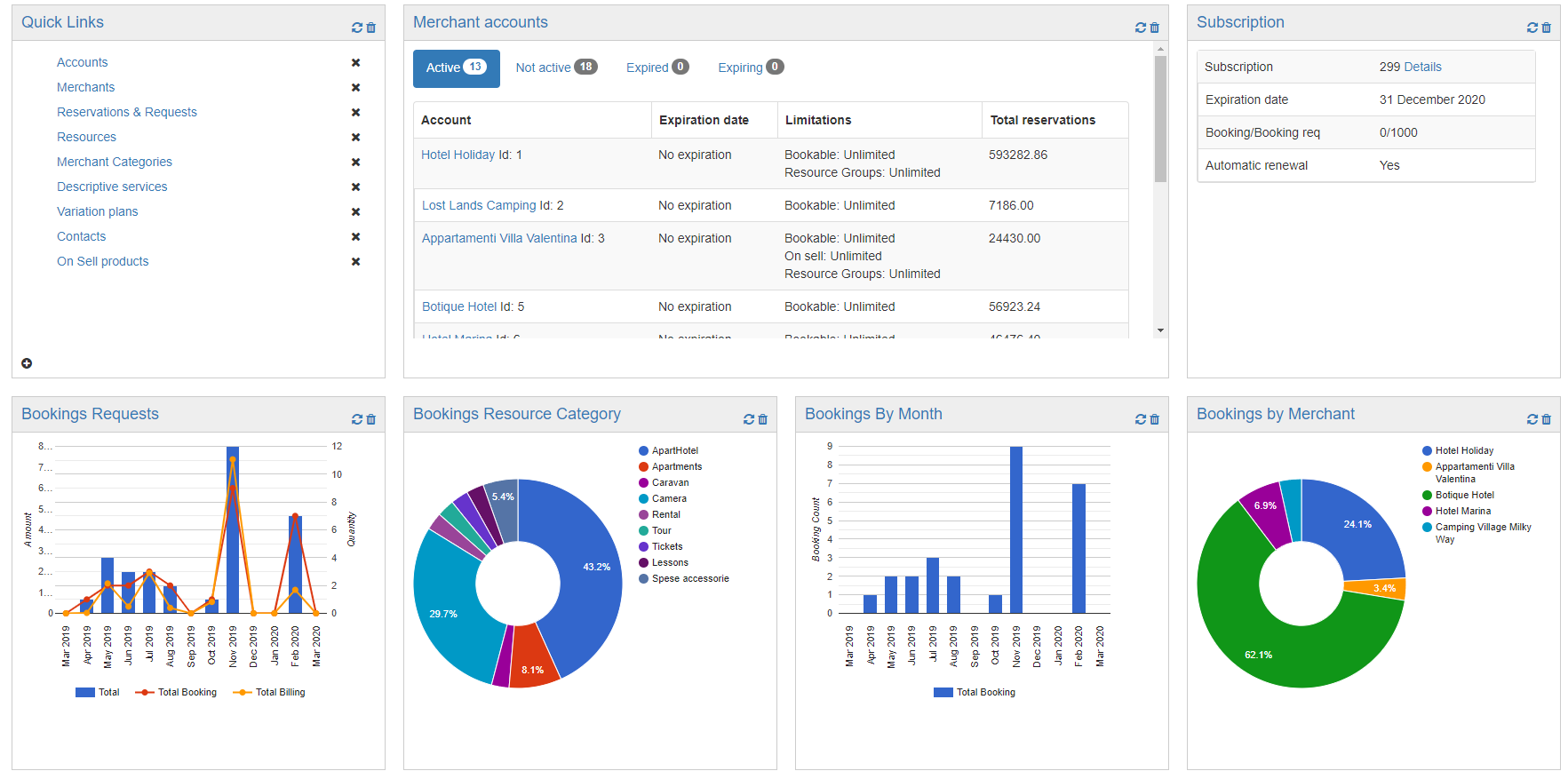
With Dashboard we mean the main screen on which you are directed to access.
The dashboard can be customized by adding or removing Widgets with the appropriate button
The default widgets are: Quick links, Merchant accounts, Subscription and Bookings Calendar.
The widgets available are: Bookings Requests, Bookings Resource Category, Bookings By Month, Bookings by Merchant and Bookings Merchant Category.
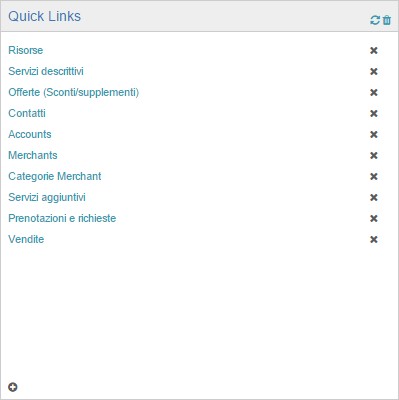
Quick links allows you to insert shortcuts of your choice to speed up reaching a given page, here is an example
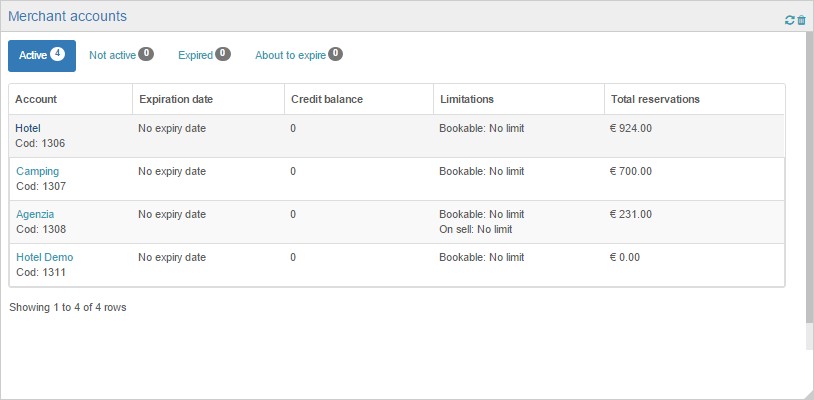
Merchant accounts (only for administrator accounts) allows you to have an overview of your merchants with any expiration details, limitations and total reservations, etc.
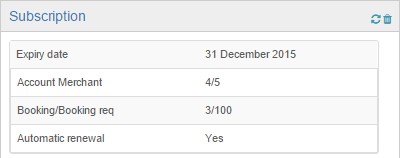
Subscription (only for administrator accounts) summarizes the details of the subscription, such as the expiration date, the quantity of merchants present compared to the subscription limit, the booking requests generated in relation to those that can be generated and the option chosen for renewal automatic (If active or not active)
Bookings calendar is (only for merchant accounts) a calendar from which arrivals and departures can be easily viewed on a monthly basis.


Privacy Policy generated with
Privacy Policy generated with