Tag groups
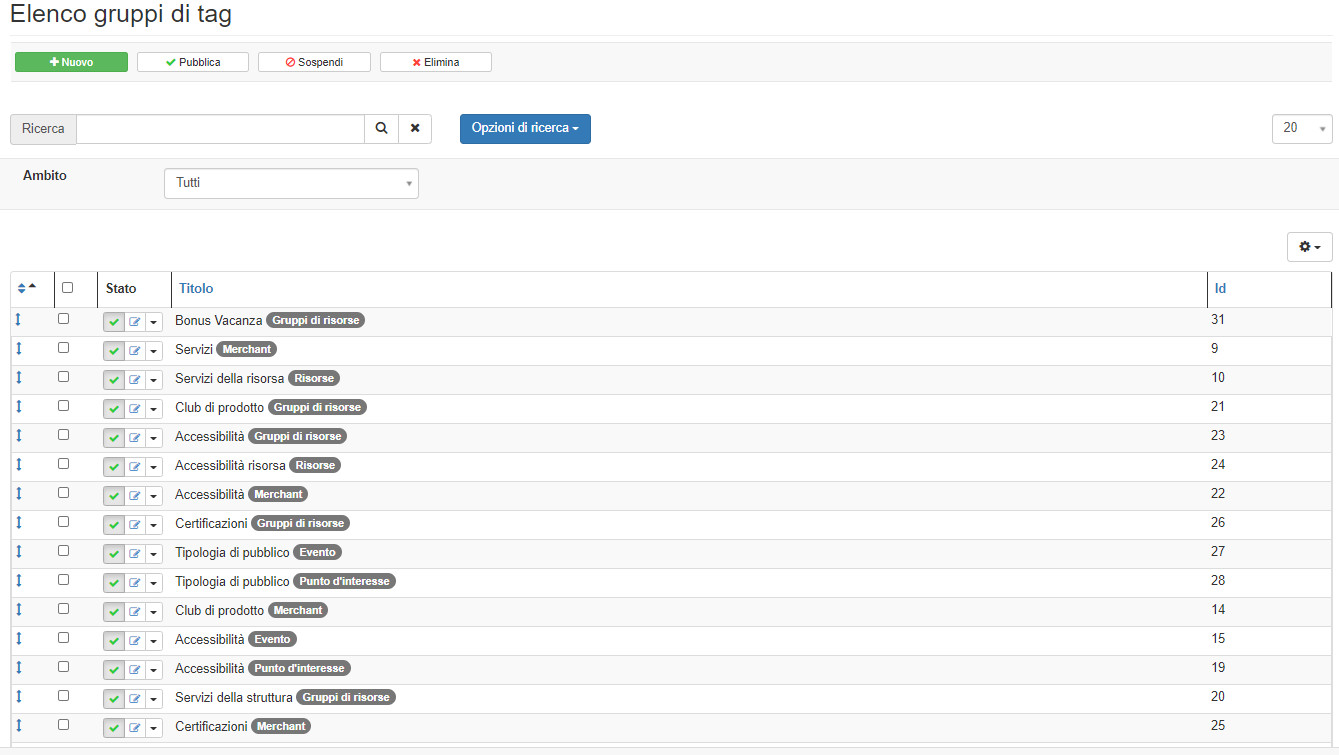
By tag groups we mean the possibility of collecting Tags organized in one or more bins in a container.
How do I reach this section?
Form the main menu: Subscription -> Tag groups
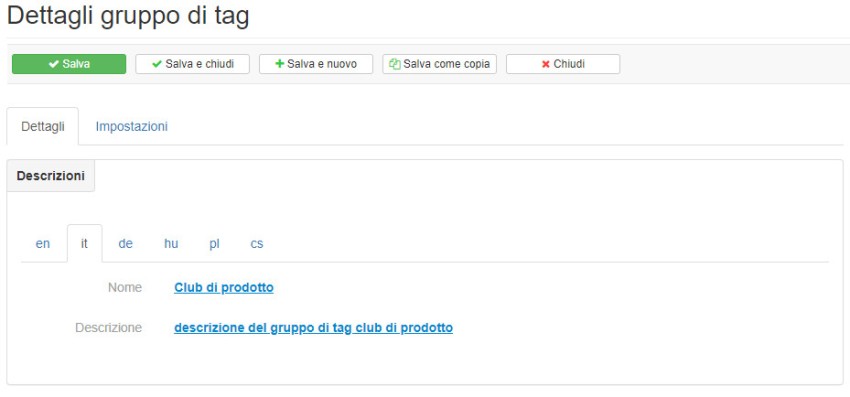
Detai
In the details section it will be possible to give a name and description. Depending on the languages that the Administrator Account has made available to the subscription merchants, it will be possible to switch from one translation tab to another and insert the desired contents textually. The formatting of the text in the Description section is not limited with the BBcode.
Settings
the areas of application of the tag groups to limit their use:
- merchant
- resources
- resource groups
- offers
- events
- points of interest
- Merchant category
- detail of the scope
- search filters
- main section
- section in evidence
Do not make selections and leave the fields blank in category contexts to avoid limiting the display for merchant categories
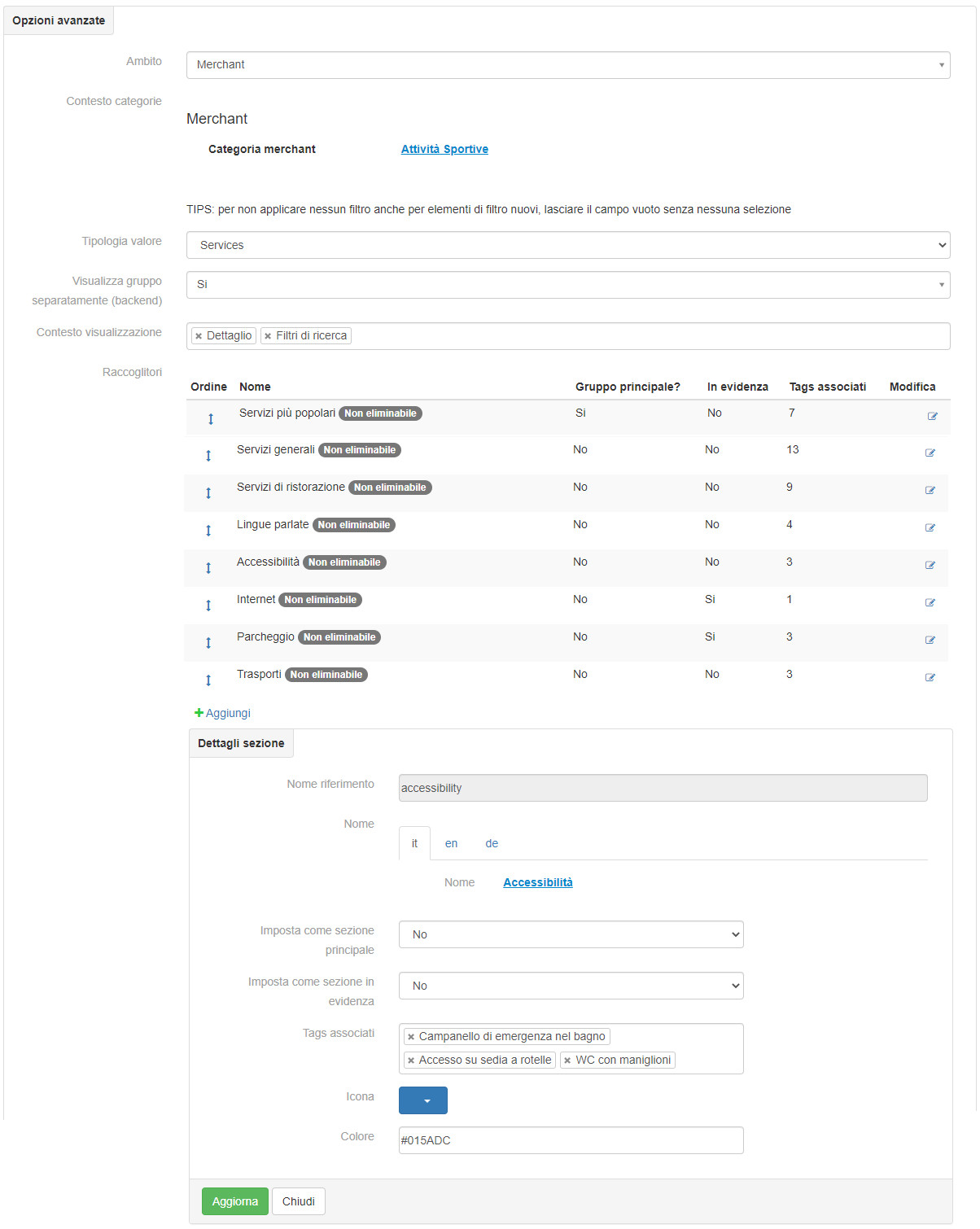
Icon and color are needed to distinguish the binders in the Travel planner
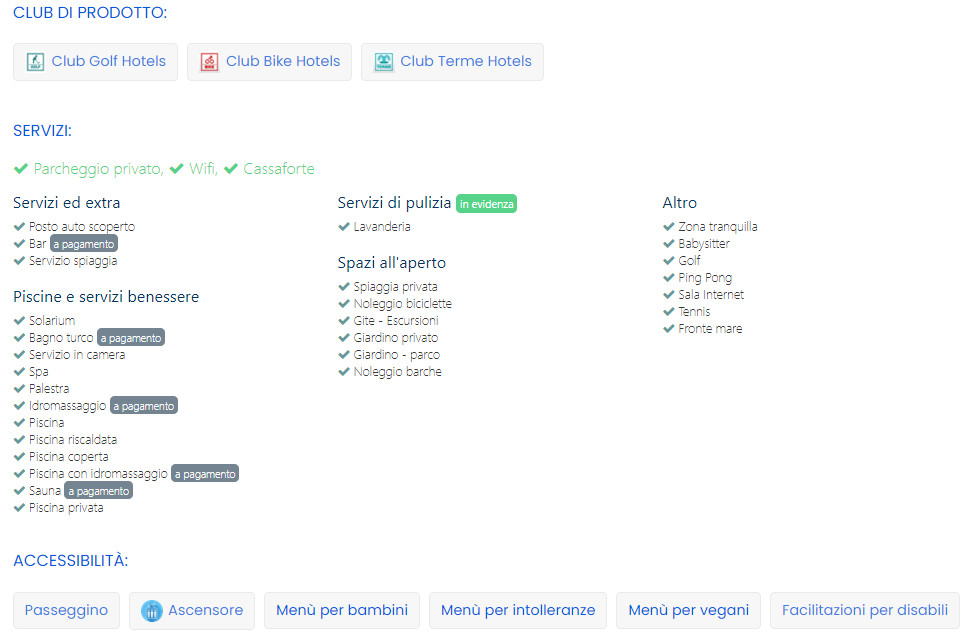
to configure “Product Clubs” (Club Bike Hotels, Club Family Village, ..) you will have to proceed with the configuration of a new group of tags consisting of a single collector of “Product Club” tags.
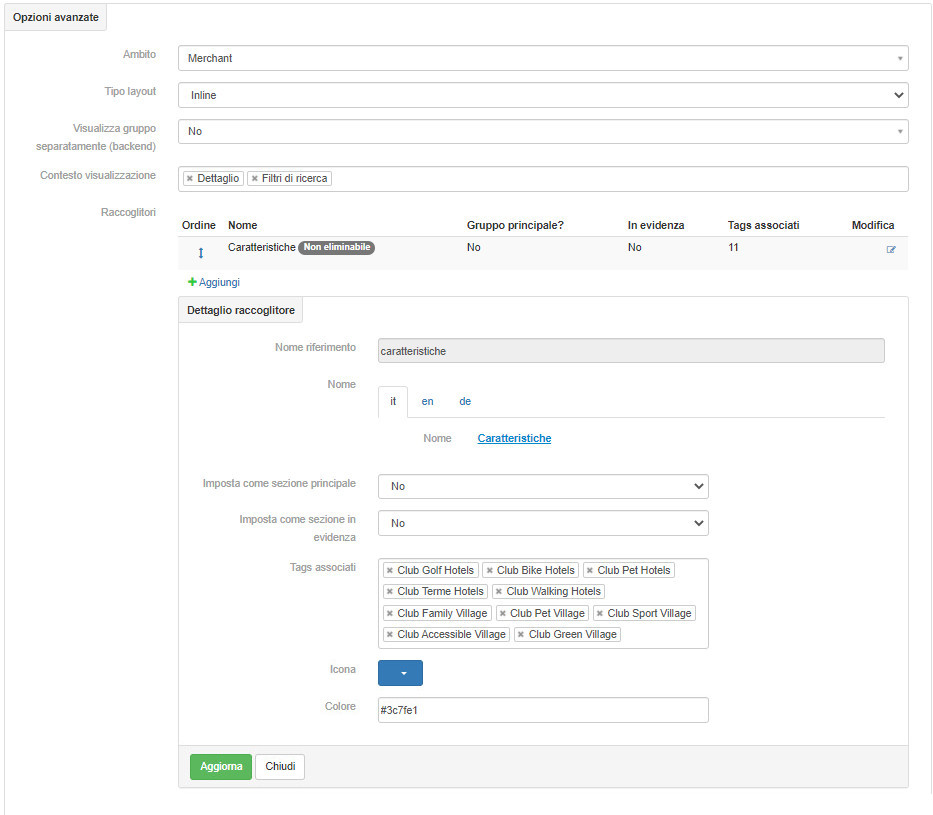
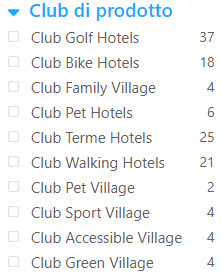
organize “Product Clubs” (Club Bike Hotels, Club Family Village, ..) and make sure that these Product Clubs are well highlighted in the PRODUCT CLUB services section including icons in the merchant card using Inline layout type

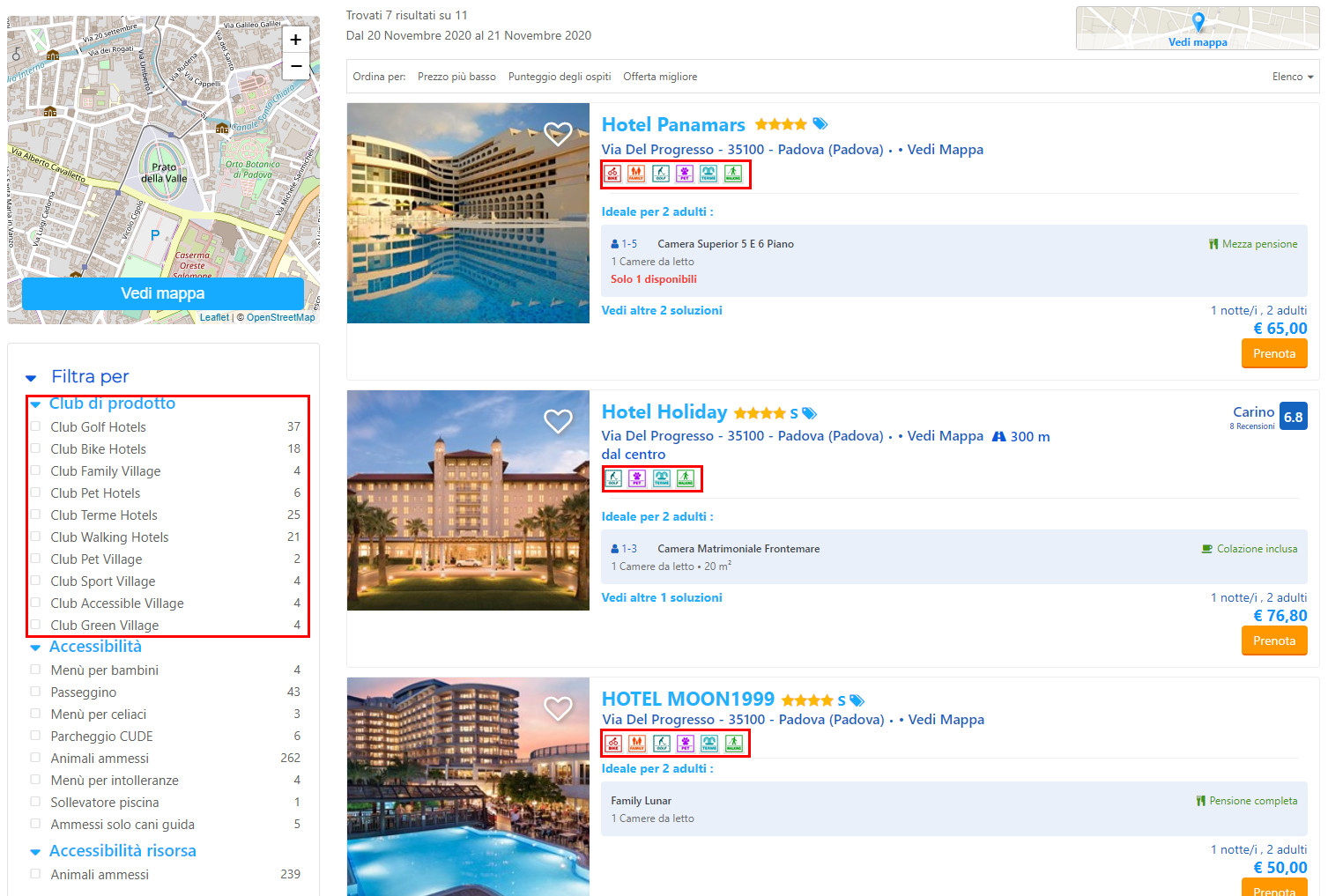
In order for the “Product Club” tag icons (Club Bike Hotels, Club Family Village, ..) to also be visible in the search results under the name of the merchant, we will have to act on the individual Tags and set the “search results” display context “.
organize the services offered by merchants and make sure that these are well highlighted in the services section of the merchant’s card
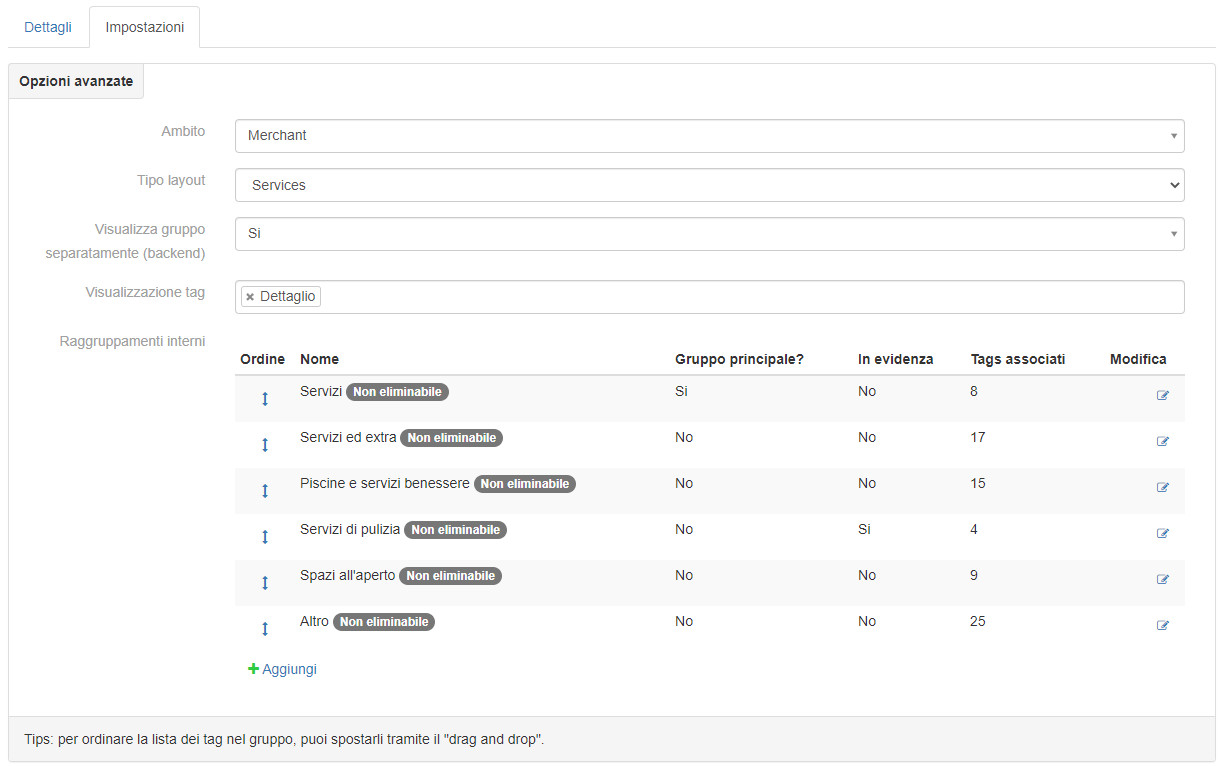
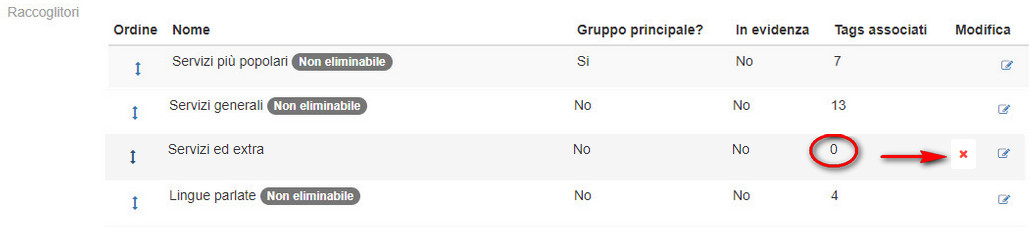
organize the binders and make sure that they are correctly highlighted in the section of the merchant card using as a type of layout Services and that they are NOT part of the search filters, (it could happen that the tags of the individual binders are very large) the detail view context only.
In order for the highlighted label to appear next to the collector (Cleaning services), the highlighted section must be set in the configuration of the individual collector.