


User guide
Tags
The term TAGS means a metadata (i.e. label, tag, identifier), a keyword or a term associated with an information (in Bookingfor they are merchants or resources), which describes the subject making it possible to classify and search for information based on keywords.
How do I reach this section?
From the main menu: Subscription -> Tags
This page consists of the details and settings sections.
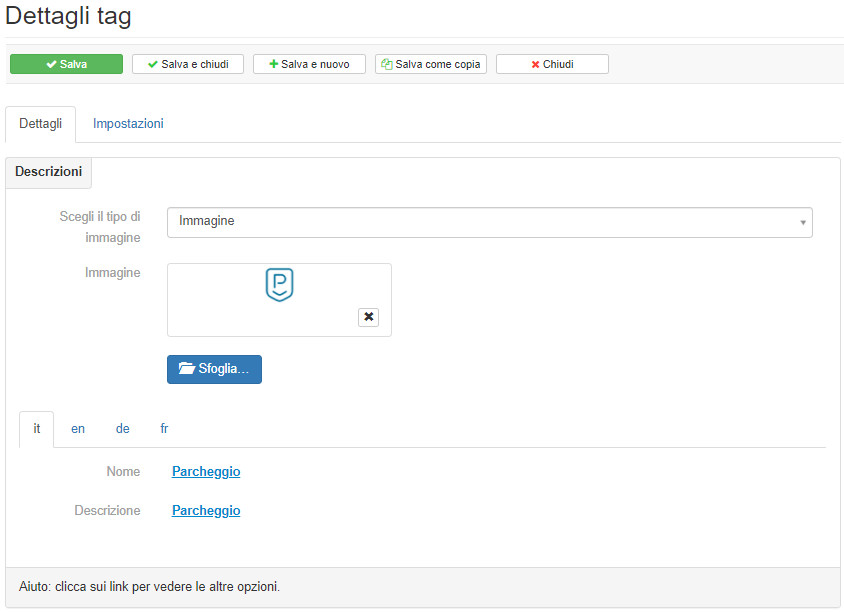
Details
In the details section it will be possible to define if the TAG uses a predefined icon or an image, give a name and description. Depending on the languages that the Administrator Account has made available to the subscription merchants, it will be possible to switch from one translation tab to another and insert the desired contents textually. The formatting of the text in the Description section is not limited with the BBcode.
Settings
In the settings section it will be possible to define who is enabled to manage the TAG, the scope, the display and to whom Groups of tag is associated.
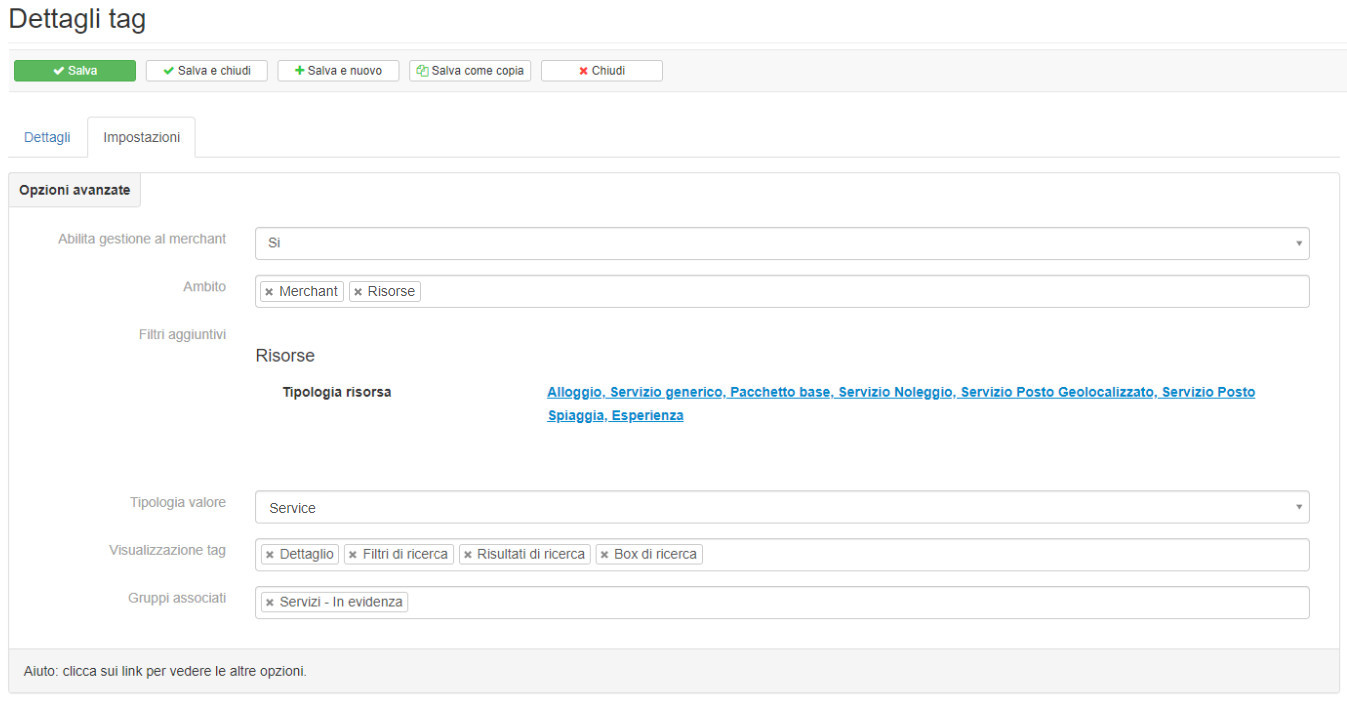
The tags will then be visible if set in the tag display contexts:
- resource detail
- lists
- search filters
- Search Results
- search box
- text search
- direct access (tag lists, tag details etc ..)
- direct access (tag lists, tag details etc ..)
- Travel planner
Therefore, there are the areas of TAGS in Bookingfor to limit their use:
- merchant
- resources
- resource groups
- offers
- events
- points of interest
Example TAG Resource: if we want to organize windsurfing lessons we will use the merchant categories to define the water sports, the product categories to define the lessons and finally the TAGS to define windsurfing.
For the TAG to be valued as INCLUDED, FREE or PAID, it must be set in Value type: Service


